
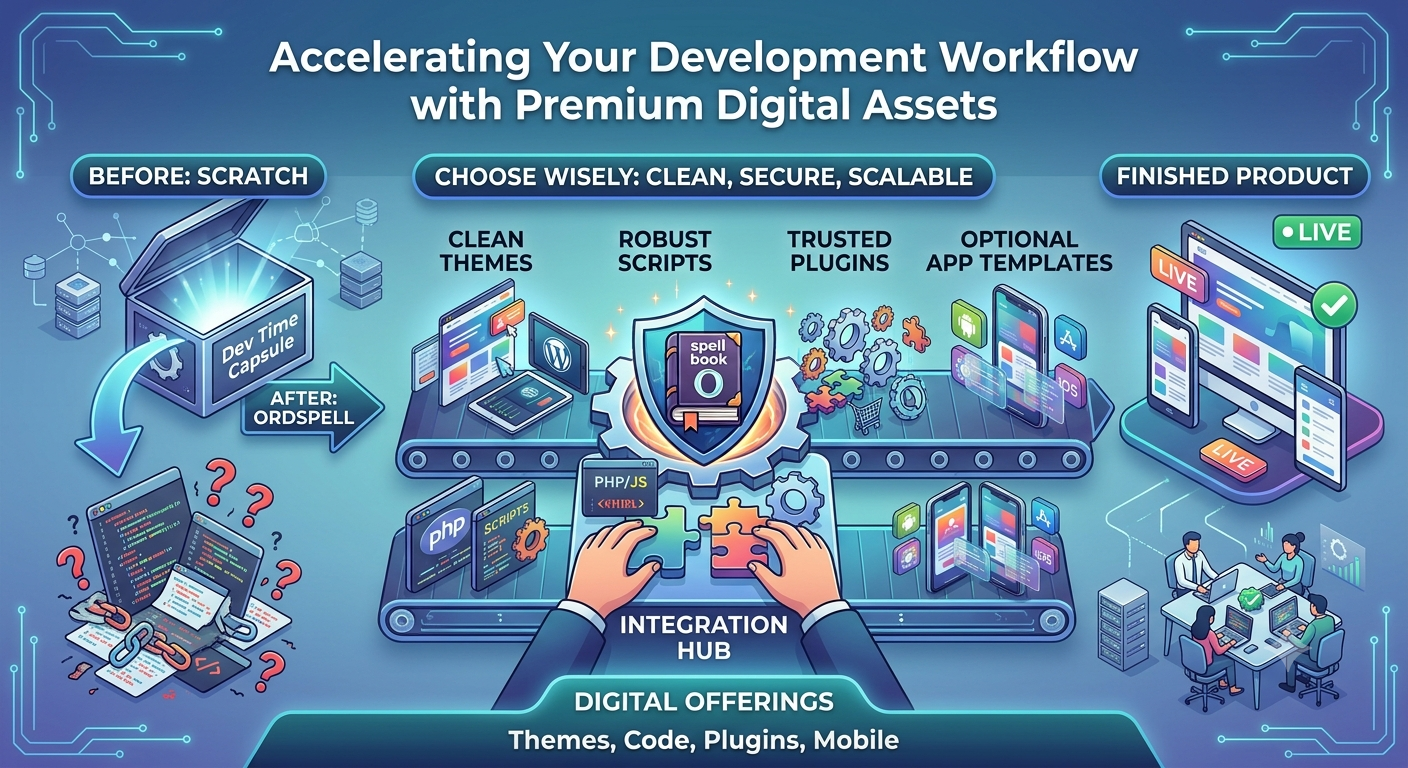
In modern software development, building everything from scratch isn't just inefficient—it’s often bad business. Whether you are launching a startup MVP, upgrading an enterprise ERP system, or delivering a client website on a tight deadline, leveraging pre-built digital assets is the smartest way to scale.
However, entering a massive digital marketplace can be overwhelming. Choosing the wrong script or theme can lead to security vulnerabilities, messy codebases, and hours of wasted debugging.
To help you navigate your next project, here is a practical guide on how to evaluate and select premium digital assets that keep your workflow fast and secure.
1. Prioritize Clean, Extensible Architecture
When sourcing PHP scripts or JavaScript code, look beneath the surface. A great asset doesn't just work out of the box; it is structured for future growth.
- Documentation matters: Check if the asset includes clear installation guides and comprehensive API documentation. If you need to integrate multi-provider AI services or complex database structures down the line, well-documented code is non-negotiable.
- Modularity: Choose code snippets and plugins that follow industry-standard design patterns. This ensures that when you need to hook into payment endpoints or add custom frontend views, you won’t break the core functionality.
2. Evaluate Performance and Scalability
A beautiful frontend template is useless if it bogs down your server or drops frames on mobile devices.
- For Web Themes (WordPress, HTML5, Shopify): Run demo links through performance tools. Look for lightweight CSS frameworks, minimized HTTP requests, and excellent responsive design.
- For Mobile App Templates (Android, iOS, Unity): Ensure the native or hybrid codebase is optimized for memory management and fast asset loading, especially if your application handles real-time data or heavy graphics.
3. Security and Dependency Management
The digital landscape moves fast, and outdated code is a security liability. Before hitting the download button, verify the asset’s ecosystem:
- Are the underlying dependencies (like npm packages, Composer libraries, or framework versions) up to date?
- Does the author regularly patch vulnerabilities?
Opting for secure, vetted assets from trusted digital marketplaces ensures you aren't inheriting someone else's technical debt.
4. Don't Overlook Licensing and Customization Rights
Before integrating a third-party asset into a commercial project, always review the legal terms. Make sure the license matches your end-goal—whether it's a one-off personal deployment or a commercial SaaS platform distributed to multiple clients.
Accelerate Your Next Build with OrdSpell
If you want to bypass the headache of vetting individual files, explore the curated collection right here on OrdSpell. We bring together top-tier authors specializing in production-ready web themes, robust plugins, optimized mobile codebases, and clean scripts designed to save you hundreds of hours of development time.
Stop reinventing the wheel. Find the exact building blocks you need, integrate them into your stack, and ship your product faster.
Comments (0)